Access the Wallet Platform
- Ensure you have the correct login credentials, necessary approvals, and access tools. Log in securely using two-factor authentication (2FA).
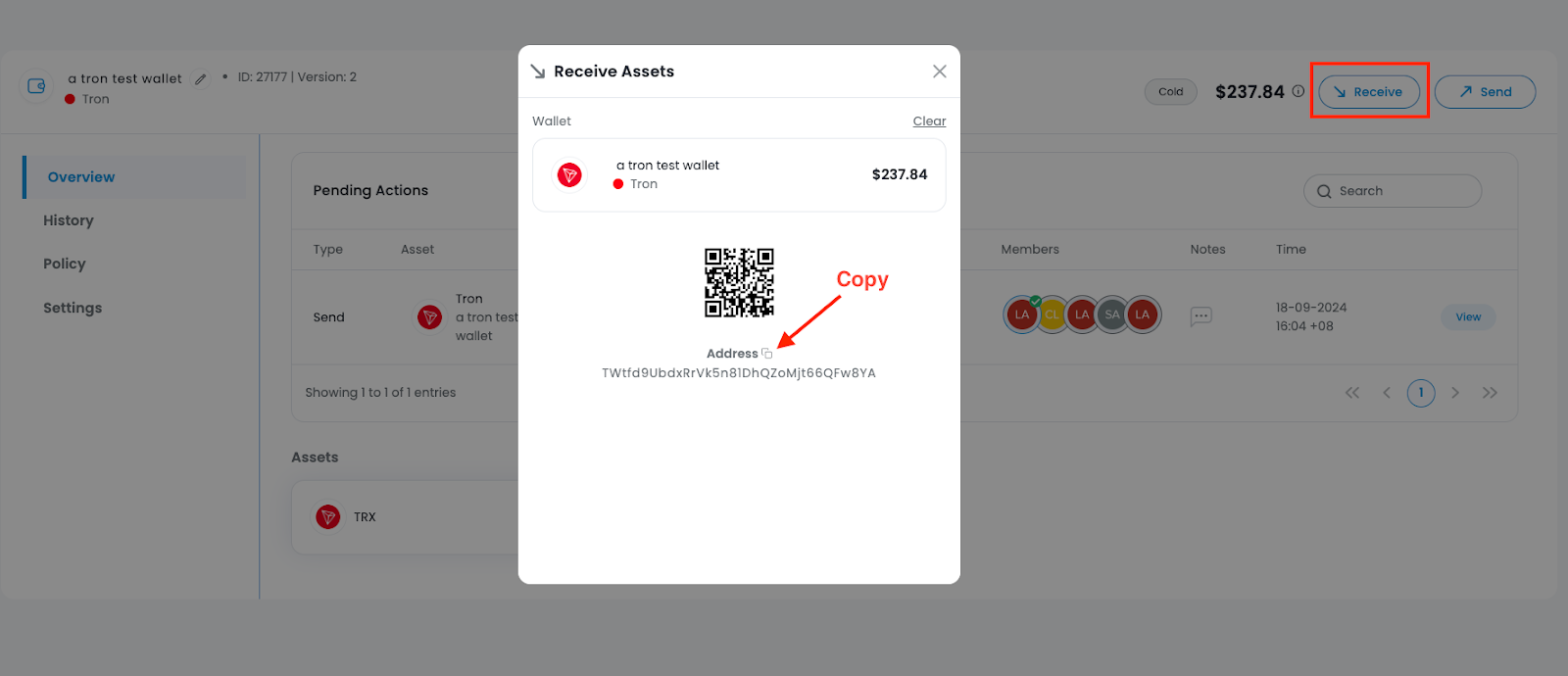
Retrieve the Wallet Address
- Navigate to the wallet section for the specific asset (e.g., BTC, ETH, USDT). Copy the correct deposit address securely.
Verify Before Deposit
Double-check the following before sending funds:
- External source wallet details
- Asset type and amount
- Network compatibility (e.g., ERC20, TRC20)
Initiate the Deposit
- Send the funds from your external source wallet or exchange to the correct deposit address. Note down the transaction hash (TxID) for tracking.
Confirm the Deposit
- Use a block explorer to track the TxID and ensure the transaction receives enough confirmations. Finally, check the receiving wallet to confirm that the funds have been credited.
Was this article helpful?
That’s Great!
Thank you for your feedback
Sorry! We couldn't be helpful
Thank you for your feedback
Feedback sent
We appreciate your effort and will try to fix the article